
A place for every project
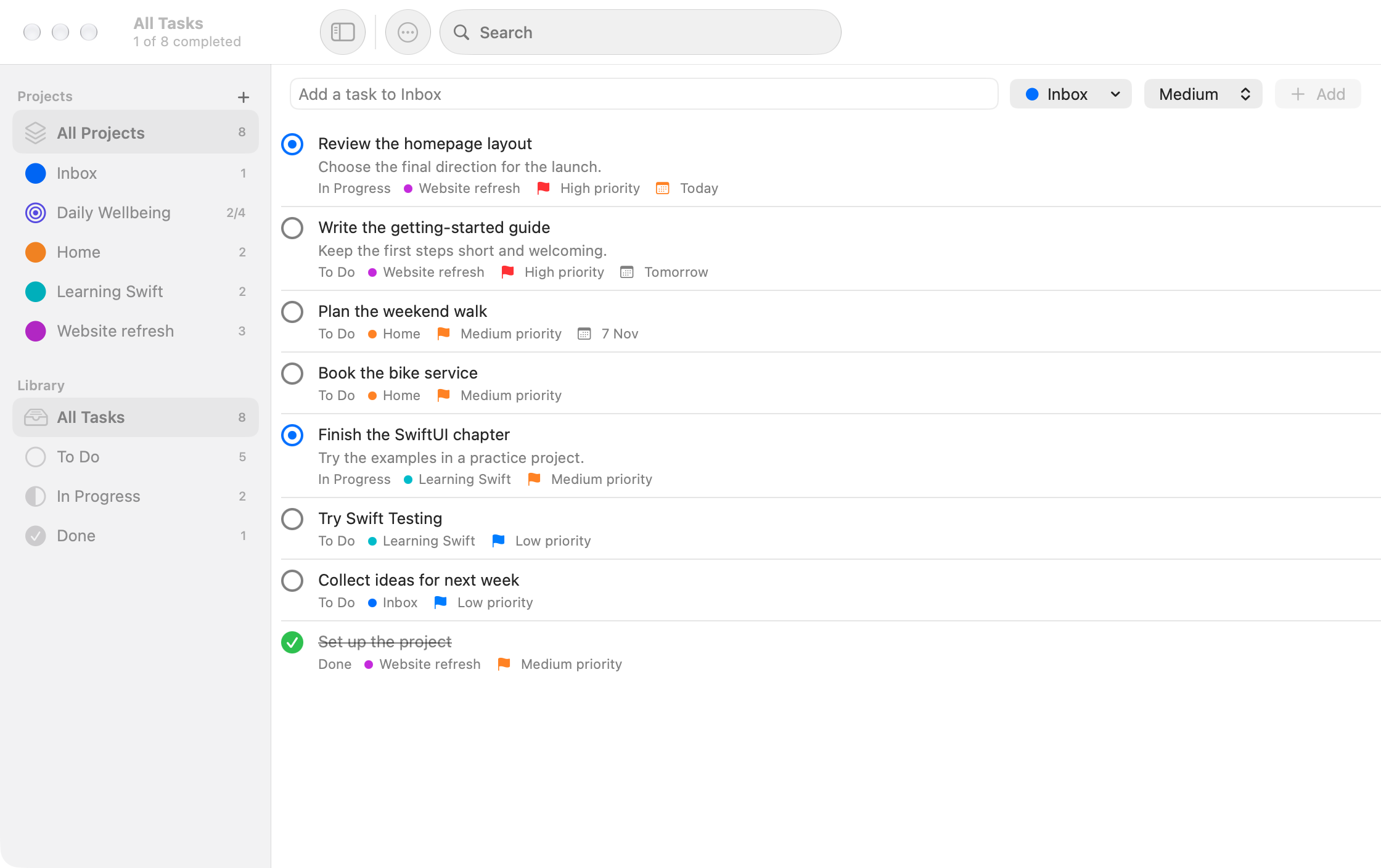
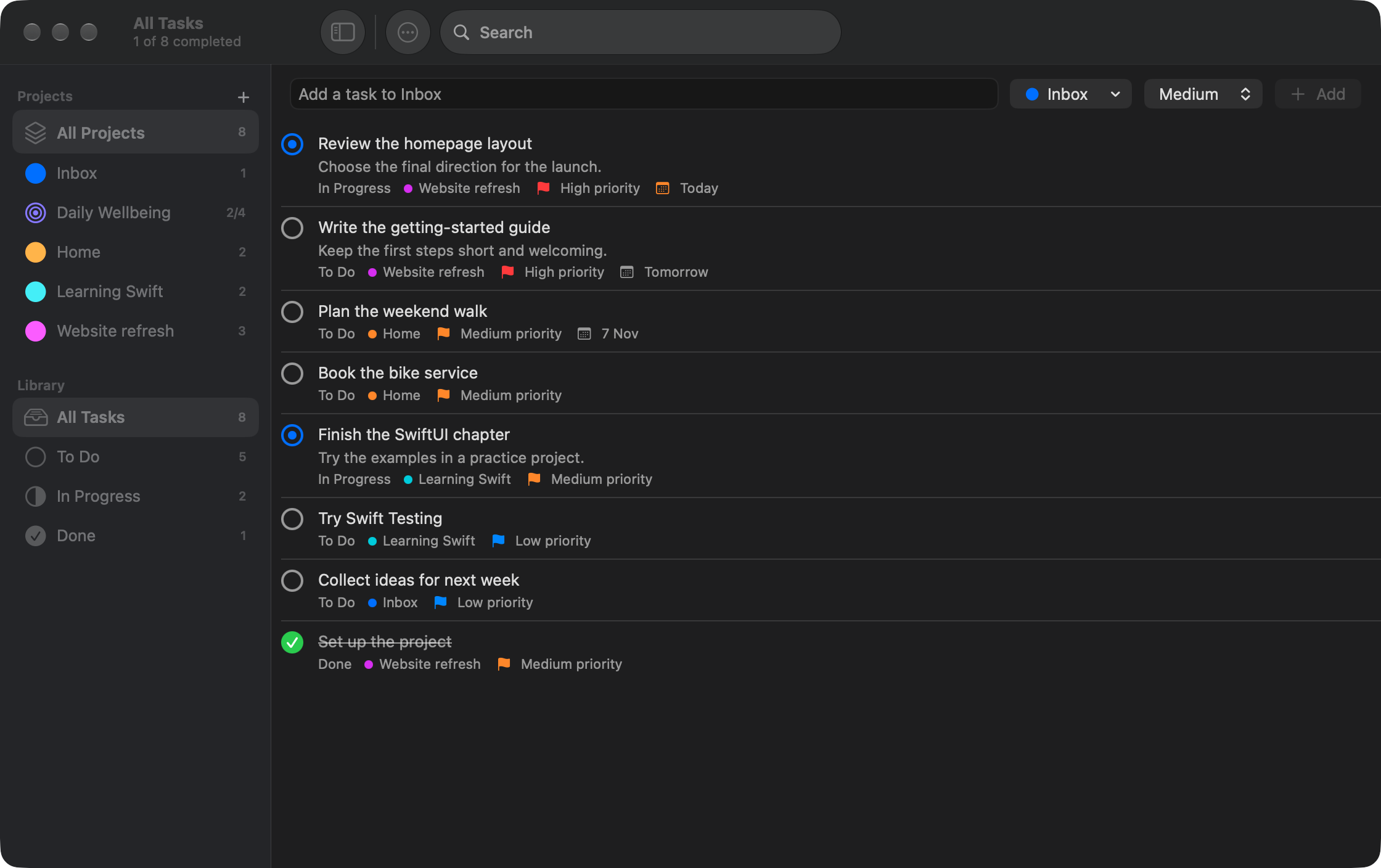
Start in Inbox, group related tasks into projects, and see the bigger picture in All Projects.
macOS 14 Sonoma or later Apple Silicon & Intel
Just enough structure
A quick thought or a whole project. Keep the details you need, without getting lost in them.
Start in Inbox, group related tasks into projects, and see the bigger picture in All Projects.
Search titles and notes, filter by status, and use priorities and due dates to decide what comes next.
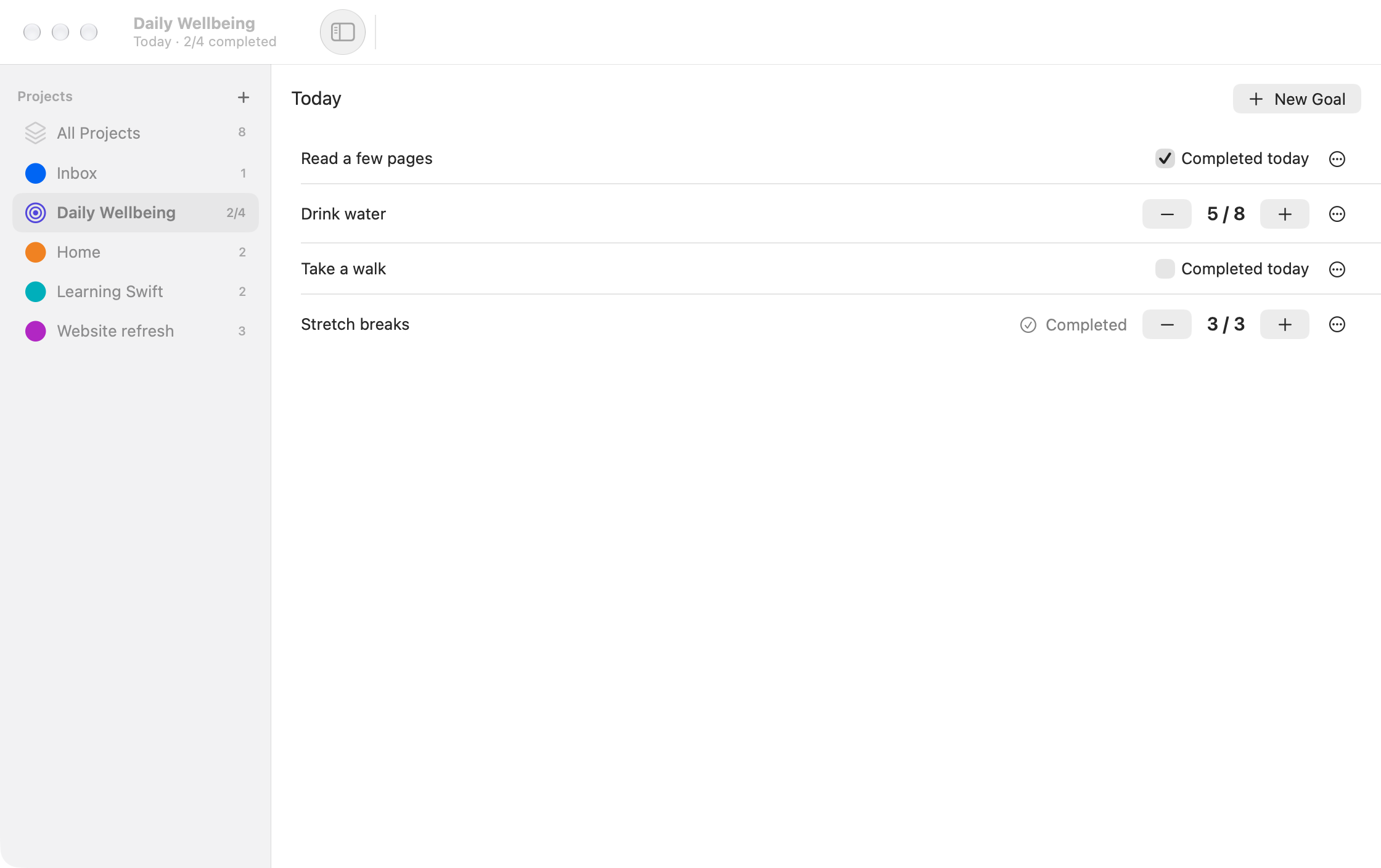
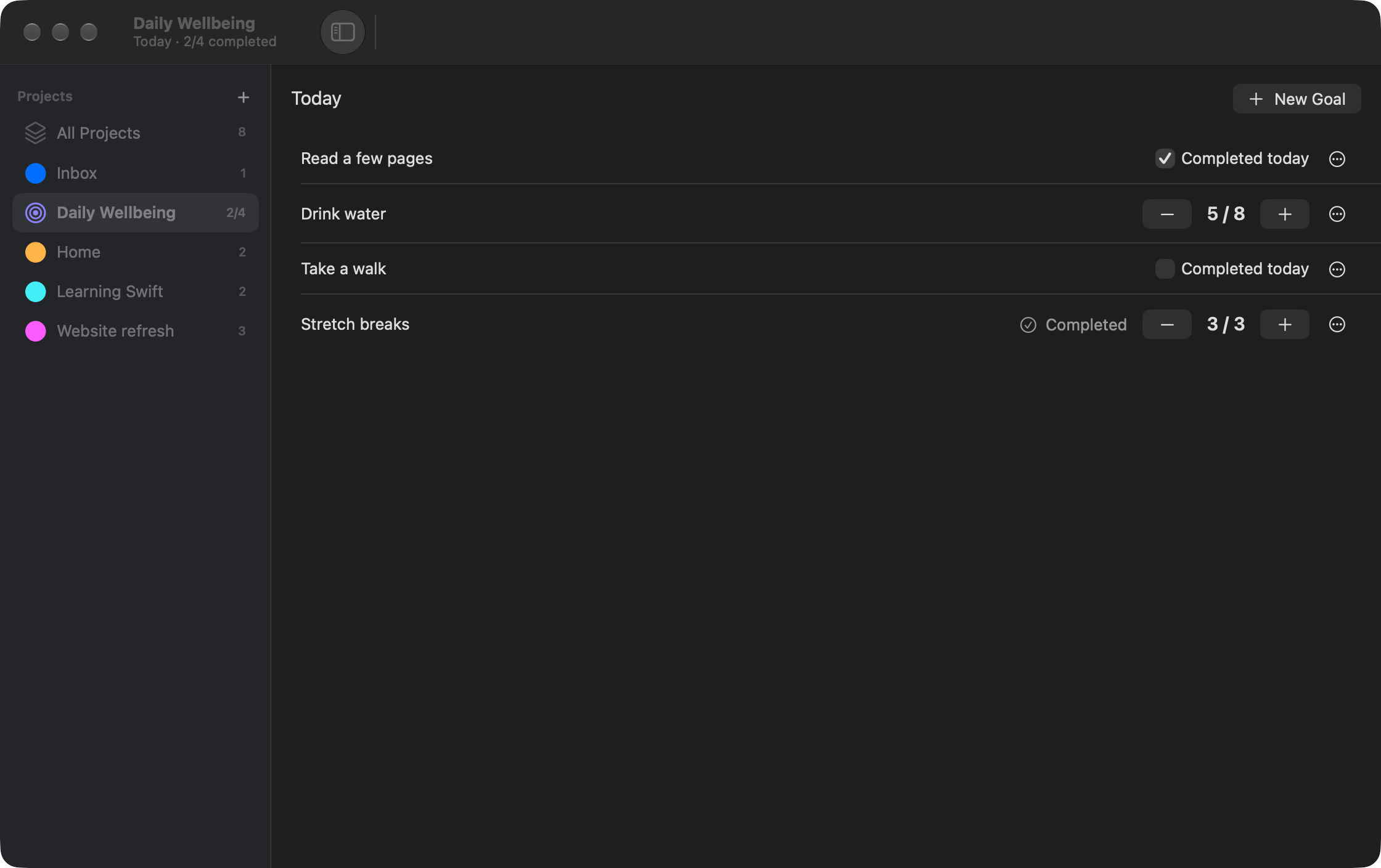
Give recurring intentions their own Daily Goals project, with simple check-offs and counters.
Daily Goals
Some things aren't a task to finish once. Check off your daily intentions or count your progress towards a target in a dedicated Today view.
At home on your Mac
Written in Swift and SwiftUI, with familiar keyboard shortcuts and system light and dark appearance. Your data stays in a local SQLite database. No account. No network access from the app.
Ready when you are
Download Tickoff, move it to Applications, and add your first task.
Download for macOSmacOS 14+ One download for Apple Silicon and Intel
Tickoff is ad-hoc signed, not Developer ID signed or notarised.
macOS may require approval on first launch. See installation help.