
Getting started
Install Tickoff
Section titled “Install Tickoff”- Download the macOS universal ZIP from the latest GitHub release.
- Unzip the download.
- Drag Tickoff.app into Applications.
- Open Tickoff from Applications.
The same download supports Apple Silicon and Intel Macs running macOS 14 Sonoma or later.
Add your first task
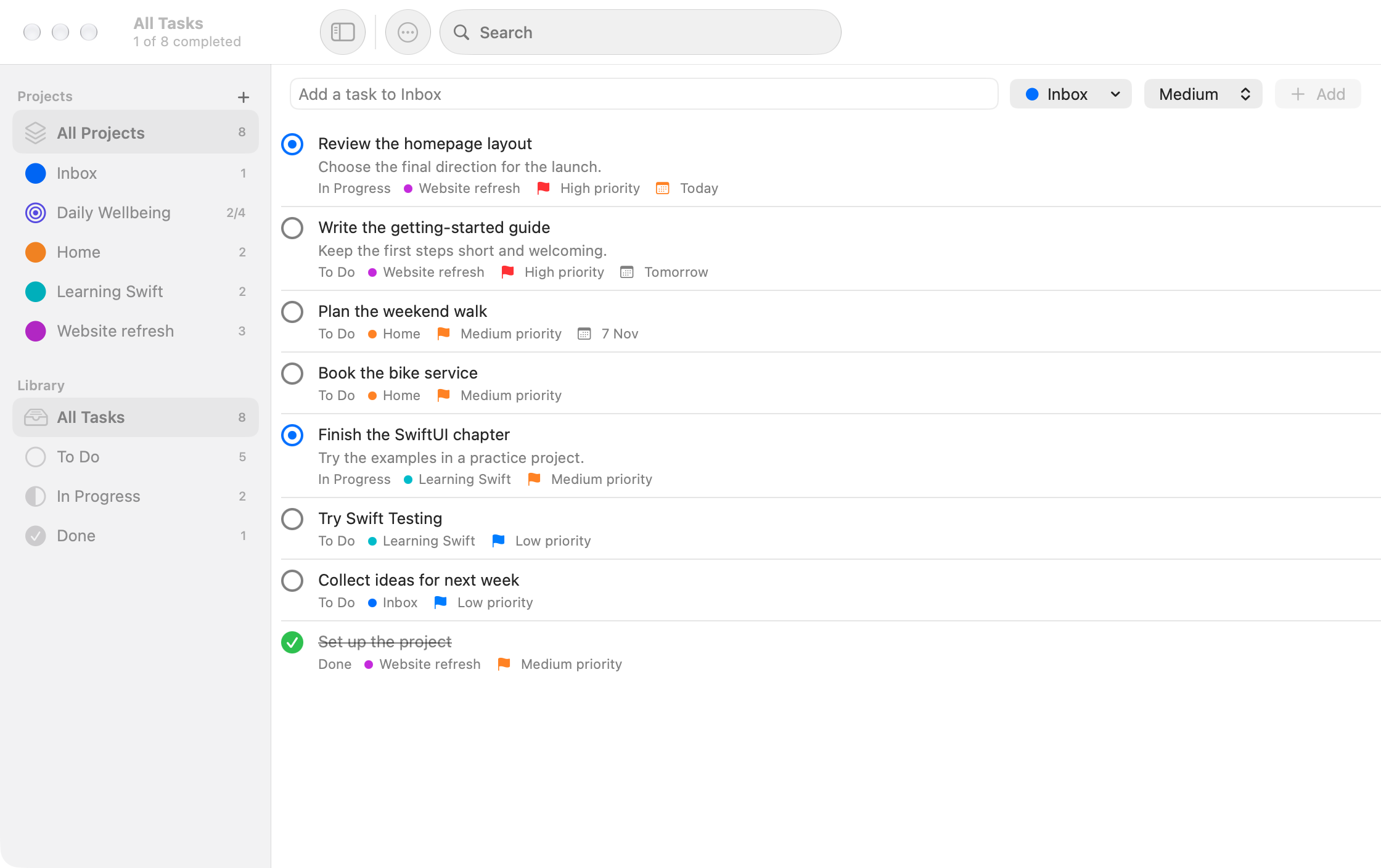
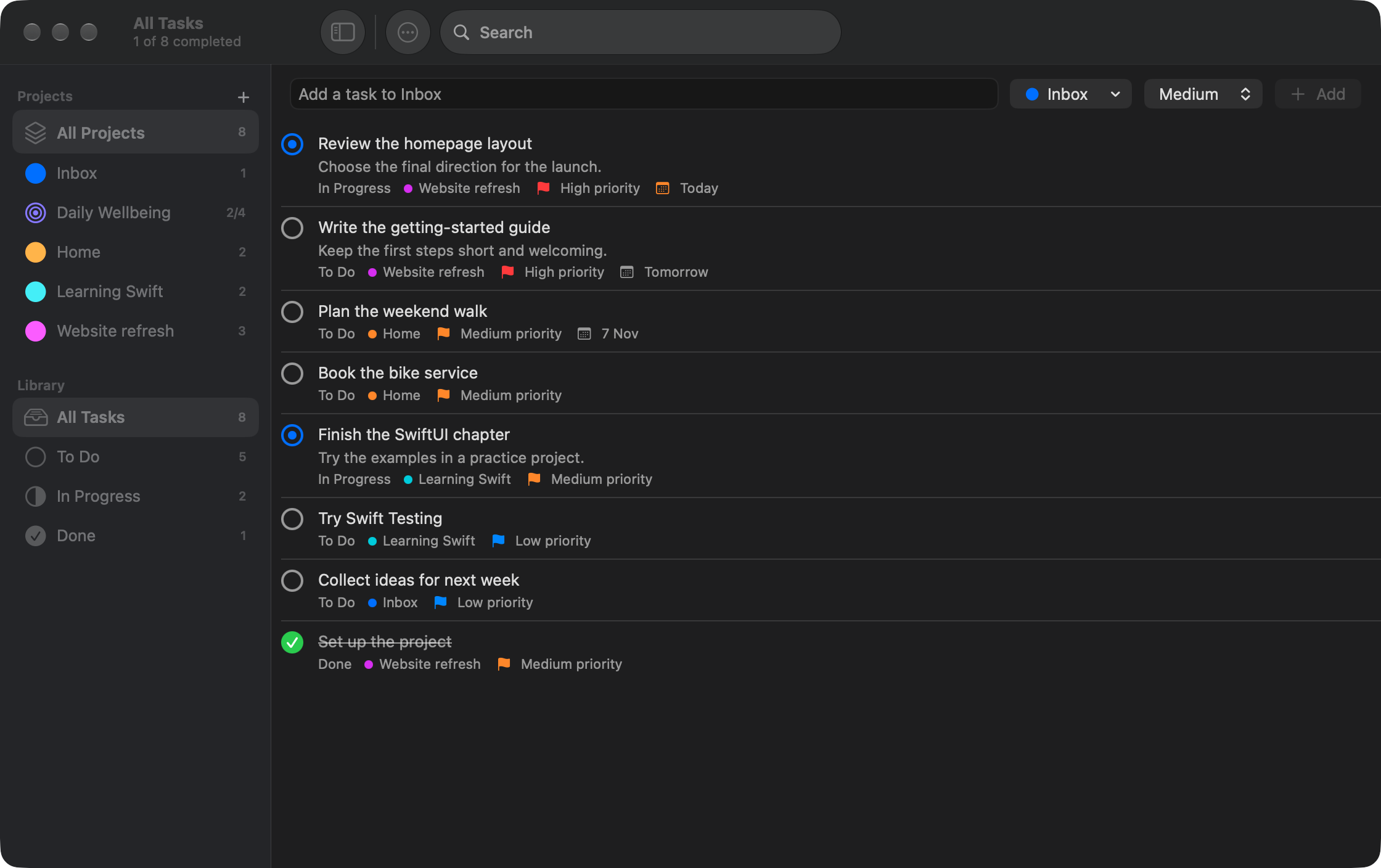
Section titled “Add your first task”- Select Inbox in the sidebar.
- Enter a task title in the quick-add field and press Return.
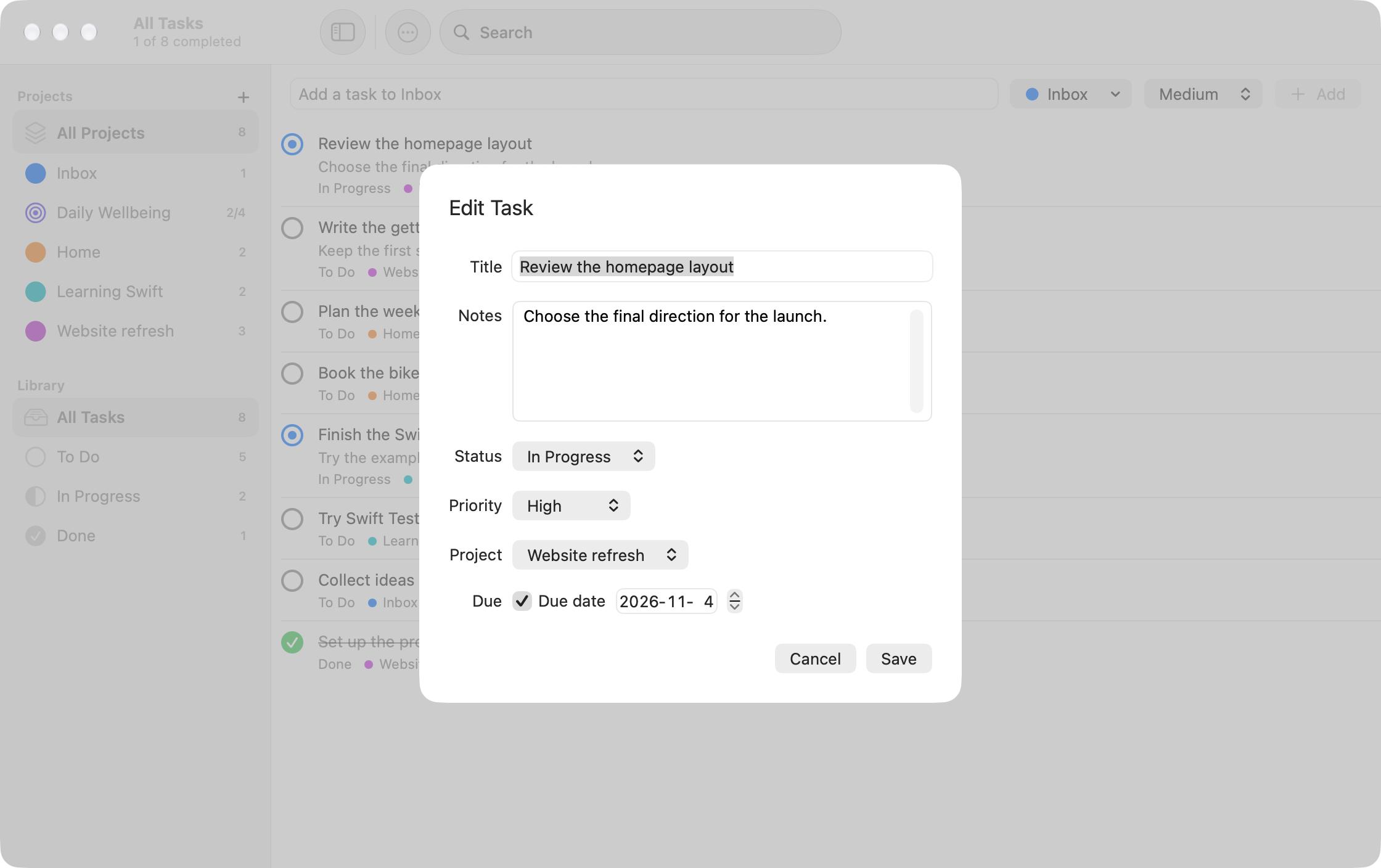
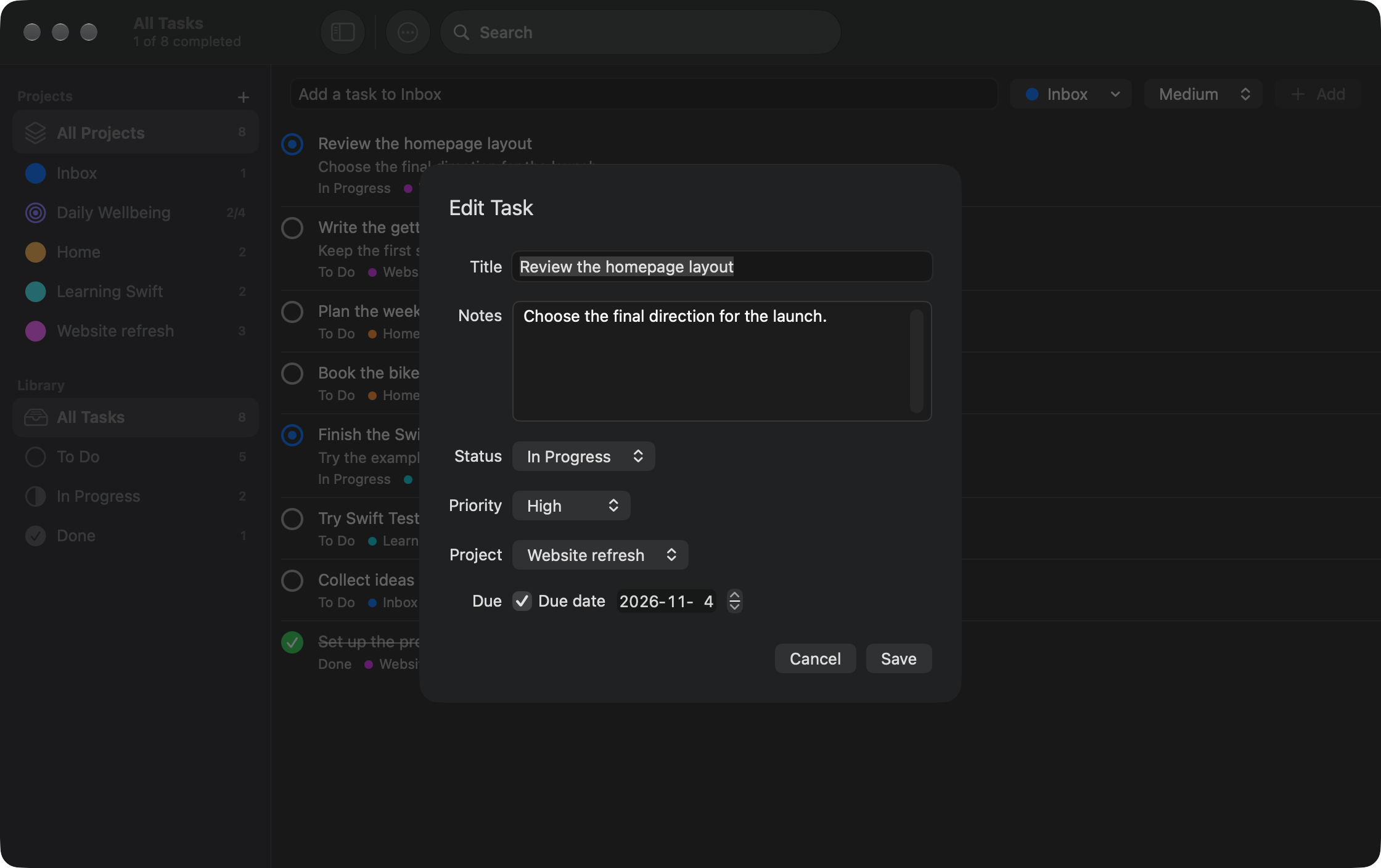
- Double-click the task to edit its notes, status, priority or due date.
Use the sidebar status filters to focus the list, or press Command-F to search task titles and notes.
Explore projects and daily goals
Section titled “Explore projects and daily goals”Choose File > New Project to create a project. Pick Tasks for ordinary tasks or Daily Goals for daily check-offs and counters. A project’s type cannot be changed after creation.
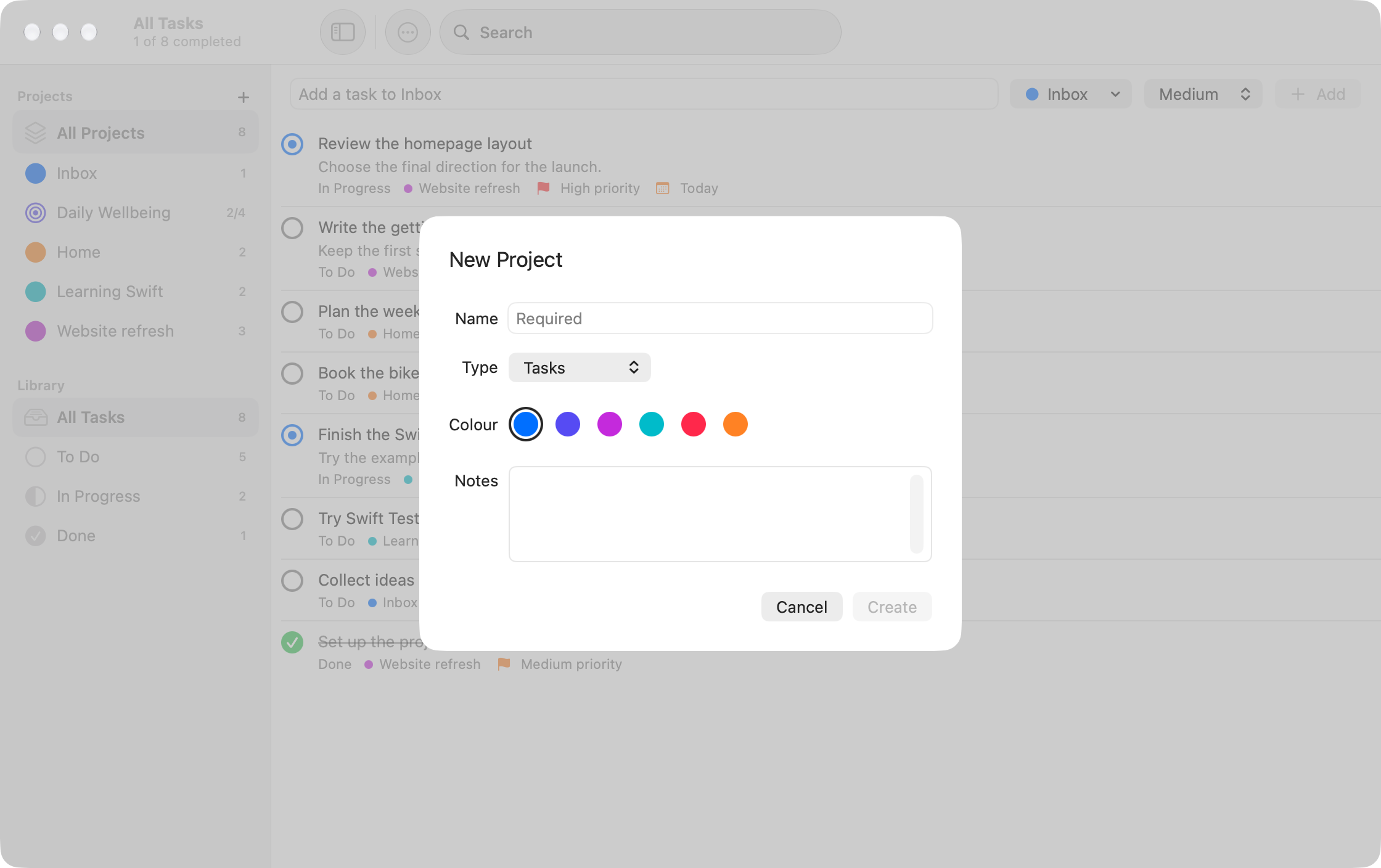
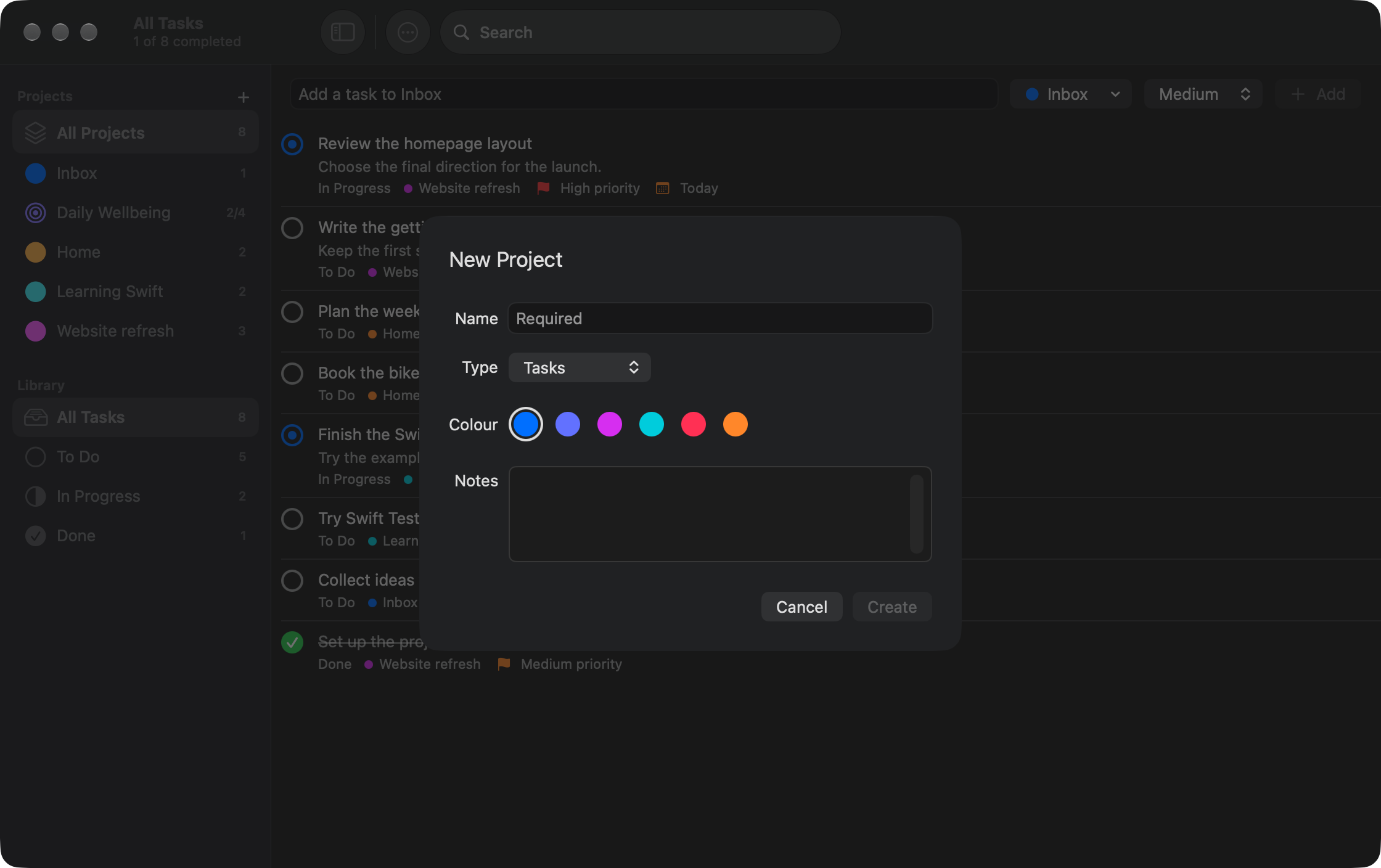
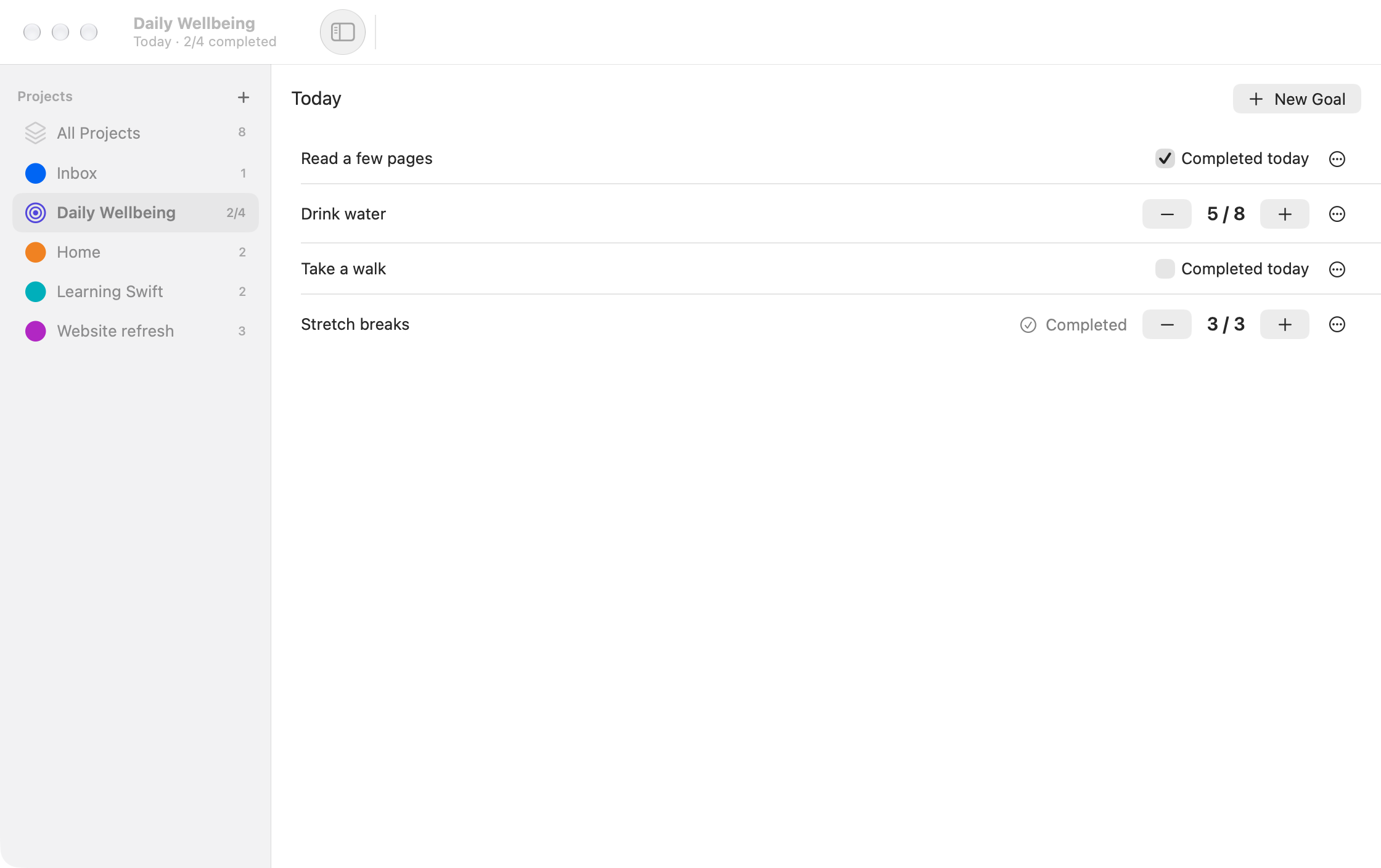
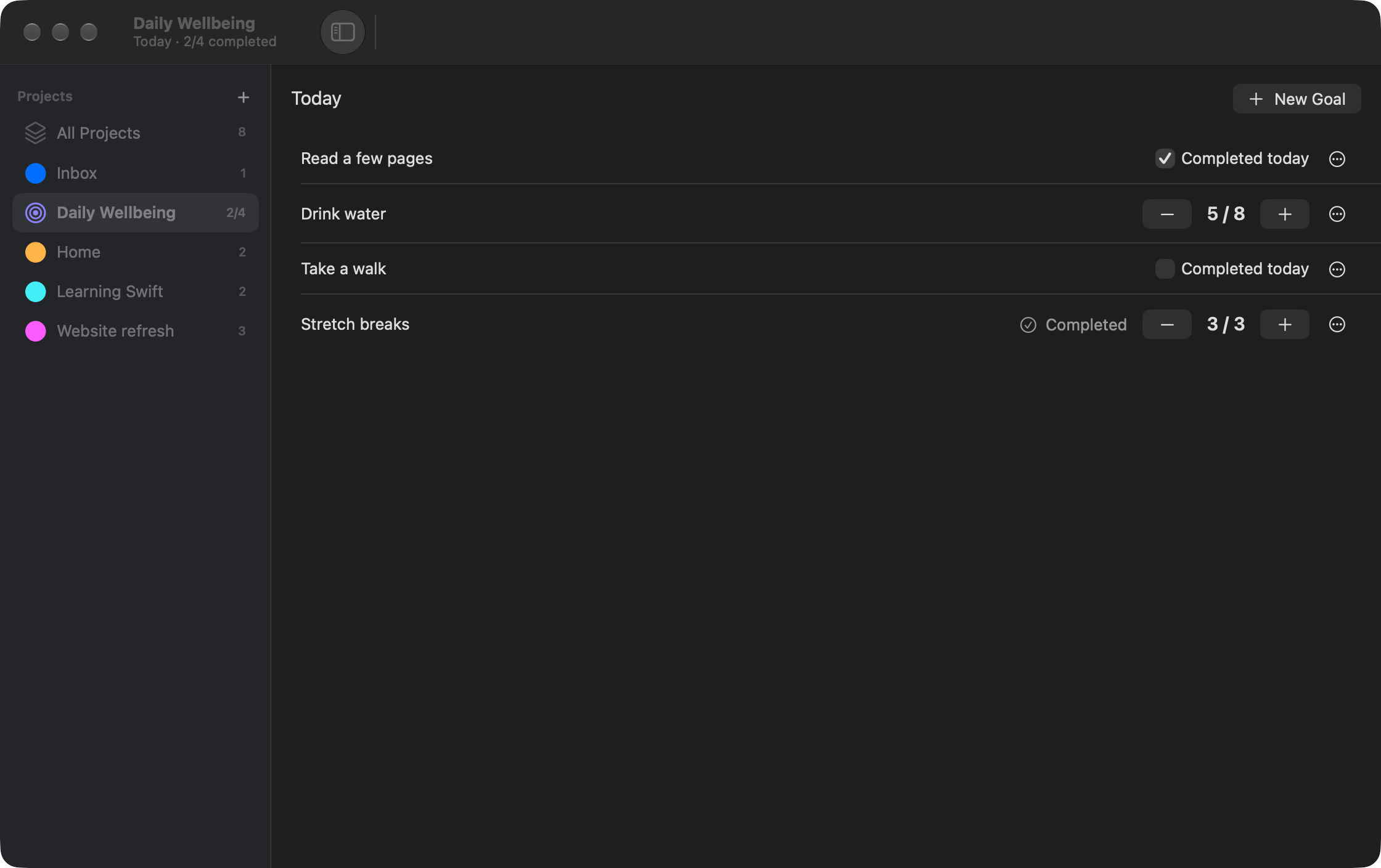
Inside a Daily Goals project, use New Goal to add a check-off or a counter with a positive whole-number target. Daily goals are separate from task searches and task status filters.
What next?
Section titled “What next?”- Tasks: add details, complete tasks and understand deletion.
- Projects: organise work and learn what archiving preserves.
- Daily Goals: daily resets, counter targets and tomorrow-only edits.
- Keyboard shortcuts and display options.
- Data and backups: protect your local data.