
Projects
Inbox and All Projects
Section titled “Inbox and All Projects”Inbox is the default Tasks project. It cannot be archived or deleted. All Projects is a view across Tasks projects, not a destination you can put a task into. It includes tasks from archived projects.
Tasks projects show a task count in the sidebar; an empty project may have no badge. Daily Goals projects show completed/total goals for today instead.
Create a project
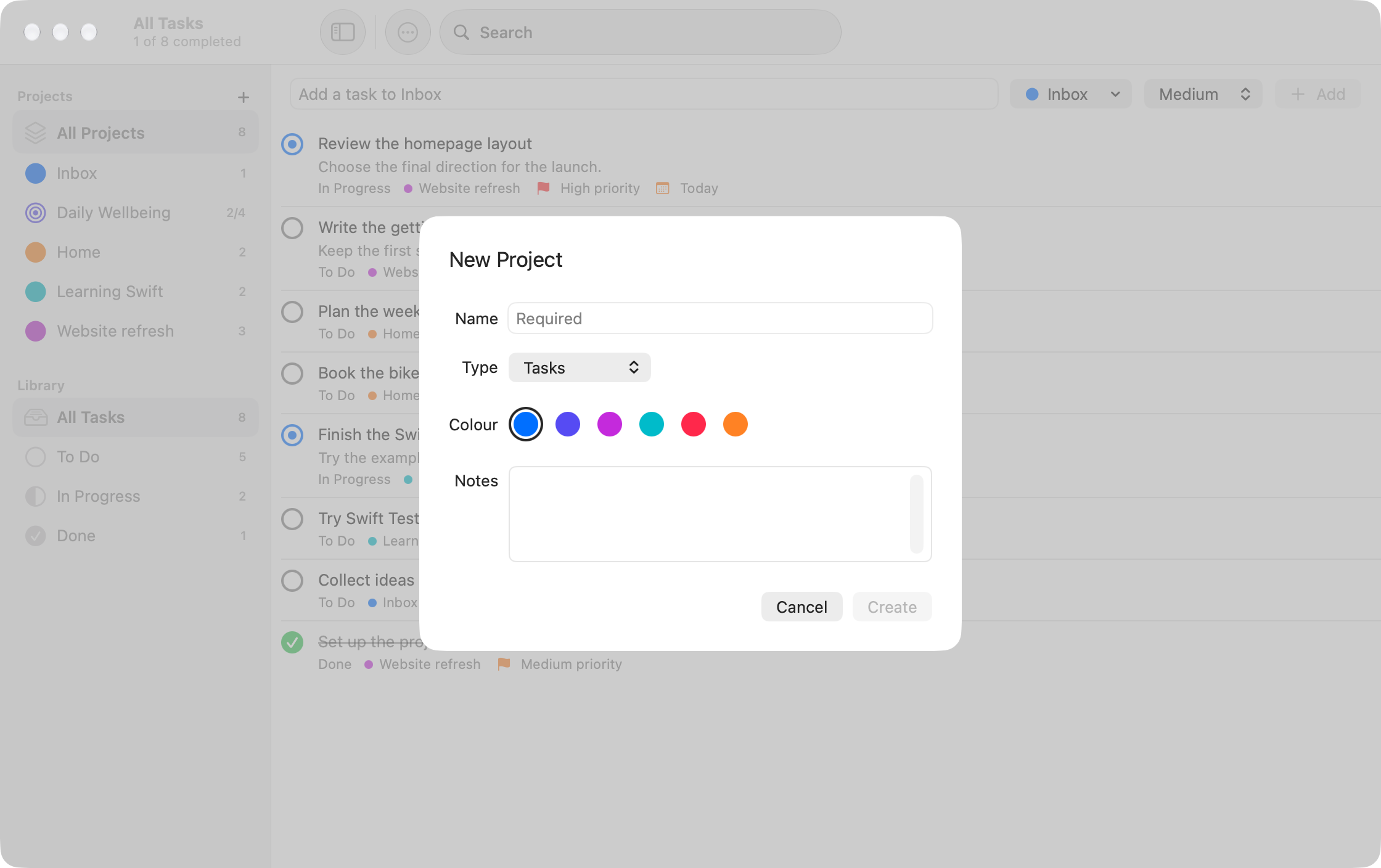
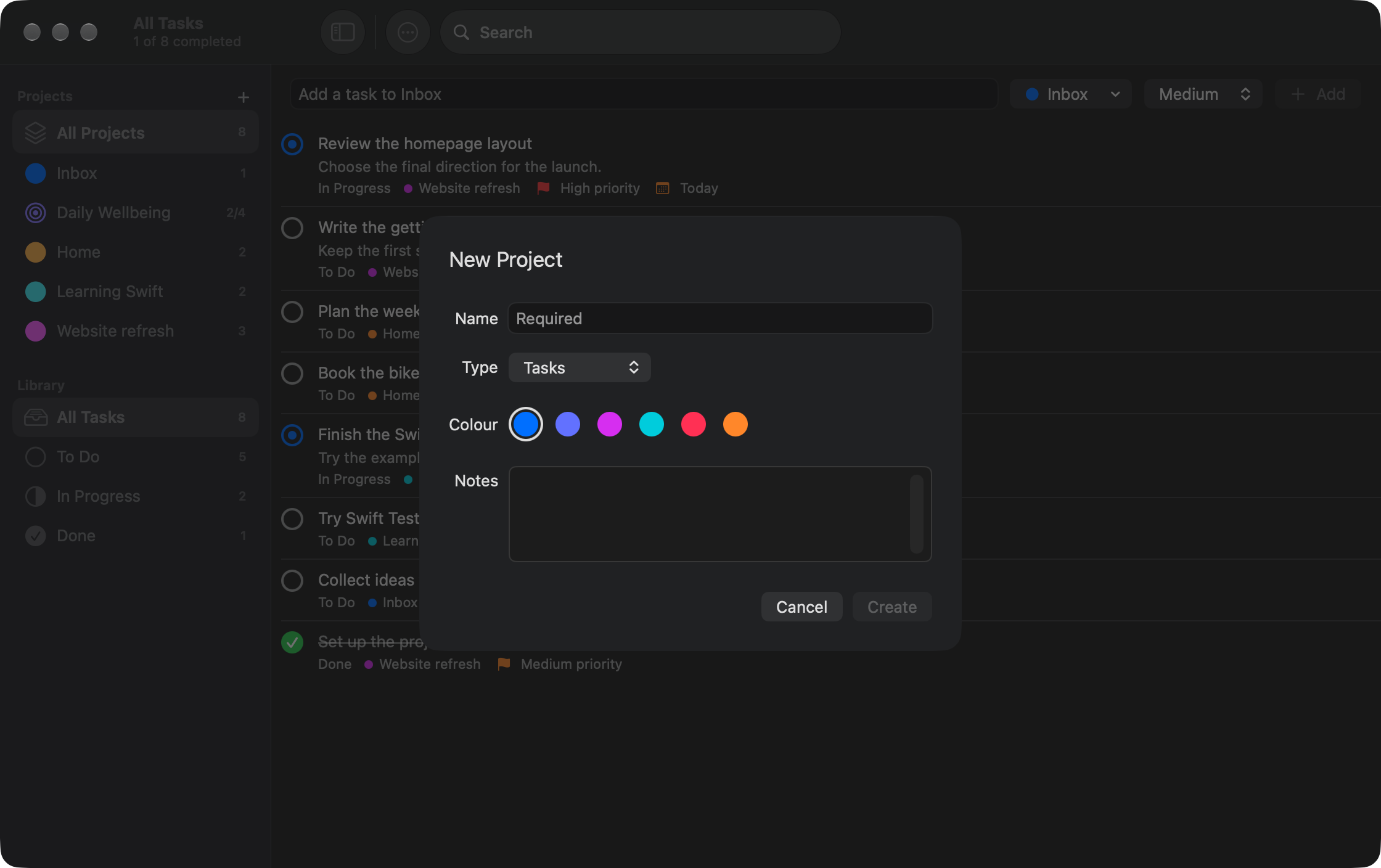
Section titled “Create a project”- Choose File > New Project (Shift-Command-N), or the + beside Projects in the sidebar.
- Enter a name, choose a Type, and optionally set a colour and notes.
- Choose Create.
Names must be non-empty and unique, ignoring case and leading/trailing spaces. Colour helps distinguish projects and adapts to system appearance.
Choose Tasks for ordinary tasks, or Daily Goals for daily check-offs and counters. The type cannot be changed later. Existing projects from older versions remain Tasks projects.
Edit a project or move a task
Section titled “Edit a project or move a task”Control-click a project in the sidebar and choose Edit to change its name, colour or notes. Select Save to apply the changes.
To move a task, open its editor and change the Project picker. Only Tasks projects can hold ordinary tasks. See editing tasks.
Archive a project
Section titled “Archive a project”Control-click a project and choose Archive, or enable Archived in its edit sheet and save. Archiving hides it from the sidebar and new-task project menus. Archiving does not show a confirmation dialog.
- Tasks: remain stored and visible under All Projects. You can edit one there and move it to an active Tasks project.
- Daily Goals: disappear from Today and stop receiving daily updates. Recorded progress is retained.
Delete a project
Section titled “Delete a project”Control-click the project and choose Delete. Read the confirmation before choosing Delete Project.
| Project type | What deletion does |
|---|---|
| Tasks | Removes the project and permanently deletes its tasks. |
| Daily Goals | Removes the project and its goals from Today, but keeps recorded goal history in the database. |
Retained Daily Goals history does not provide an in-app undo or history browser. Back up your data before destructive changes; see Data and backups.
Inbox is protected from both archiving and deletion. When the selected project is archived or deleted, the app returns to All Projects.
See also Daily Goals and adding tasks.